Works With Any Antivirus
Install alongside Microsoft Defender, Avast, Kaspersky, Bitdefender, Malwarebytes, Norton, or any other security solution.
Use Loaris as a second-opinion antivirus scan when your current protection says everything is fine but the PC still shows pop-ups, redirects, slowdowns, or other suspicious behavior.
Start a free antivirus check without replacing the protection you already use:
Install alongside Microsoft Defender, Avast, Kaspersky, Bitdefender, Malwarebytes, Norton, or any other security solution.
Unlike real-time antivirus tools, Loaris runs on-demand scans only, so there's no interference with your existing protection.
Different scanners use different detection methods. Loaris specializes in Trojans, rootkits, and stealthy malware that traditional AV often overlooks.
Loaris doesn't run constantly in the background. Scan when you want, close when you're done. Zero impact on system performance.
Download and scan your entire system for free. No credit card required. See exactly what threats are hiding on your PC.
Over 18 years of protecting users worldwide. Join millions who trust Loaris as their second line of defense.
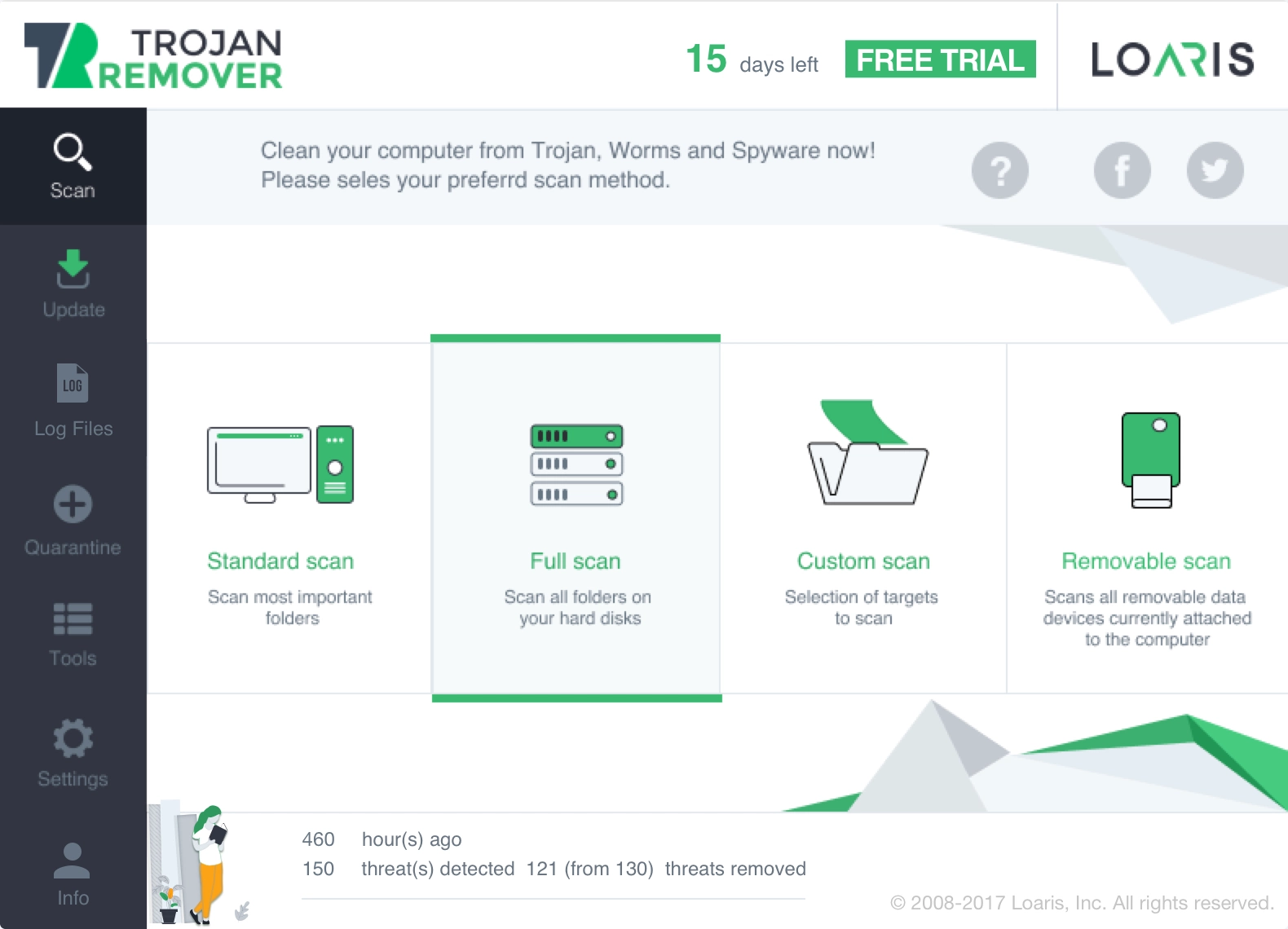
Use Loaris when you want a free antivirus check for Windows that works alongside Defender or another antivirus and helps confirm whether hidden malware, browser abuse, or junk software are still active.
Download Free AntivirusThis page is for users who want an extra antivirus check on Windows without replacing Defender or any other suite they already trust.
You do not need to remove Defender, Avast, Kaspersky, Bitdefender, or another suite. Loaris is meant to be used as an on-demand second-opinion scan.
Start the scan if pop-ups, redirects, fake alerts, suspicious installers, or slowdowns continue even after your main antivirus reports the system as clean.
Use the results to confirm whether the issue still looks like malware, browser abuse, or bundled junk software before you change system settings or replace your current protection.
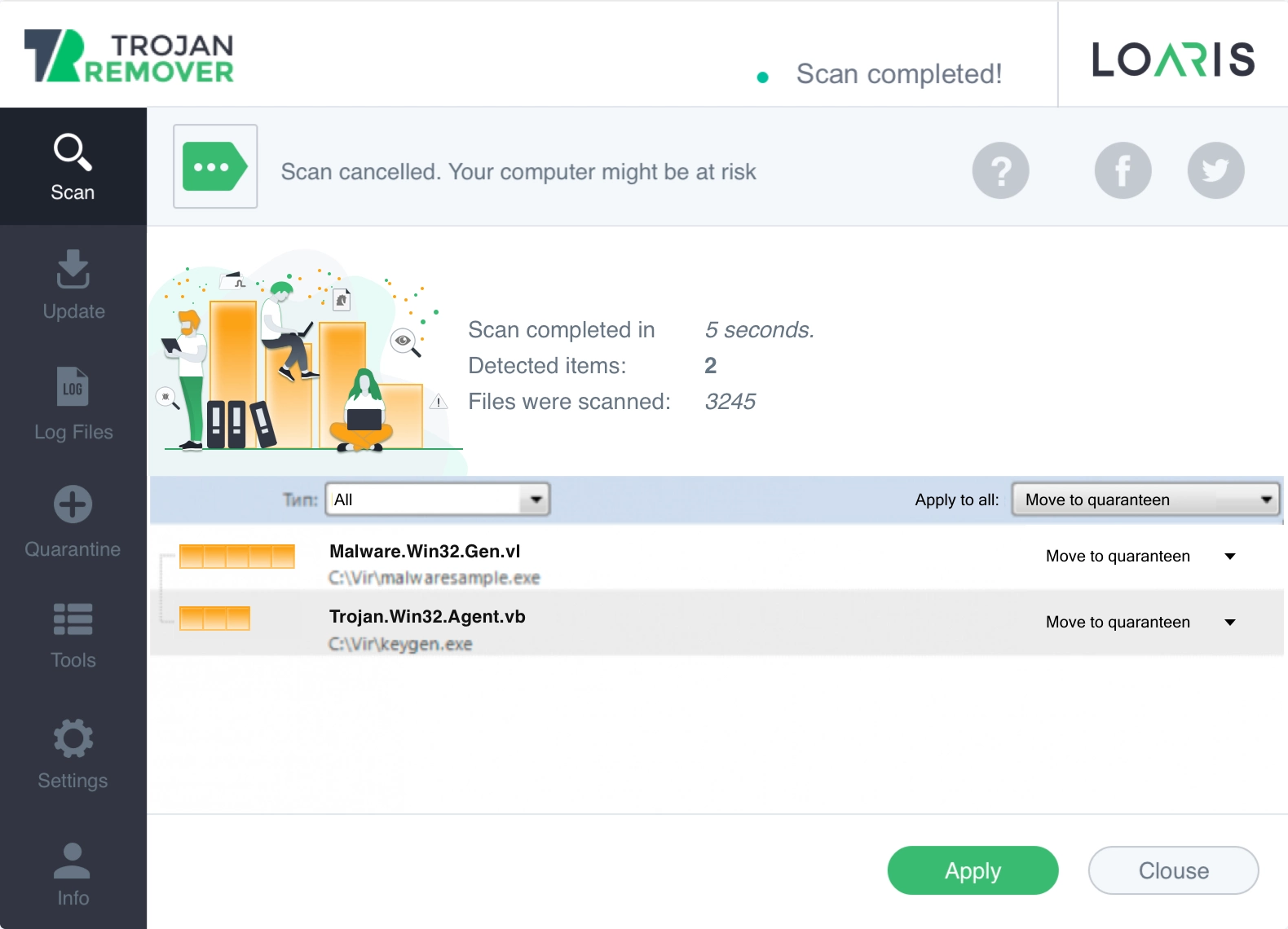
Use the Free Antivirus check when you want a second opinion without replacing Defender or another suite. Use Trojan Scanner for suspicious installers and backdoors, or Free Virus Scan when you want a broad malware check first.
Open Trojan Scanner for Windows when the problem looks specifically like a trojan, downloader, or fake installer incident.
Open Free Virus Scan for Windows when you want a broader malware scan before narrowing the issue down to one threat family.
"I run Loaris alongside Windows Defender. It catches things Defender misses every time."
"I was skeptical about running two security tools, but Loaris never conflicts with my Kaspersky."
"Best second opinion scanner I've used. Found a rootkit that Bitdefender completely missed."
Need help? If the issue looks like a fake installer or backdoor, open Trojan Scanner for Windows. If you want a broader malware check first, open Free Virus Scan for Windows. You can also review the Virus Scan Guide or visit the FAQ.