Unwanted Pop-up Ads
You see frequent pop-ups, even when you're not browsing the web. Ads appear on your desktop or in applications.
Run a free virus scan to check Windows for malware, suspicious files, spyware, browser threats, and other signs of infection.
Start a free virus scan and review what is really happening on your PC:
You see frequent pop-ups, even when you're not browsing the web. Ads appear on your desktop or in applications.
Your PC takes forever to boot up or run programs. Viruses consume system resources, slowing everything down.
Applications freeze unexpectedly or the system crashes with the "blue screen of death" (BSOD).
Your hard drive fills up unexpectedly. Viruses can replicate files and consume storage rapidly.
Your internet connection is slow or you notice high data usage. Viruses often communicate with remote servers.
Your security software is turned off and you can't re-enable it. Viruses often target antivirus programs first.
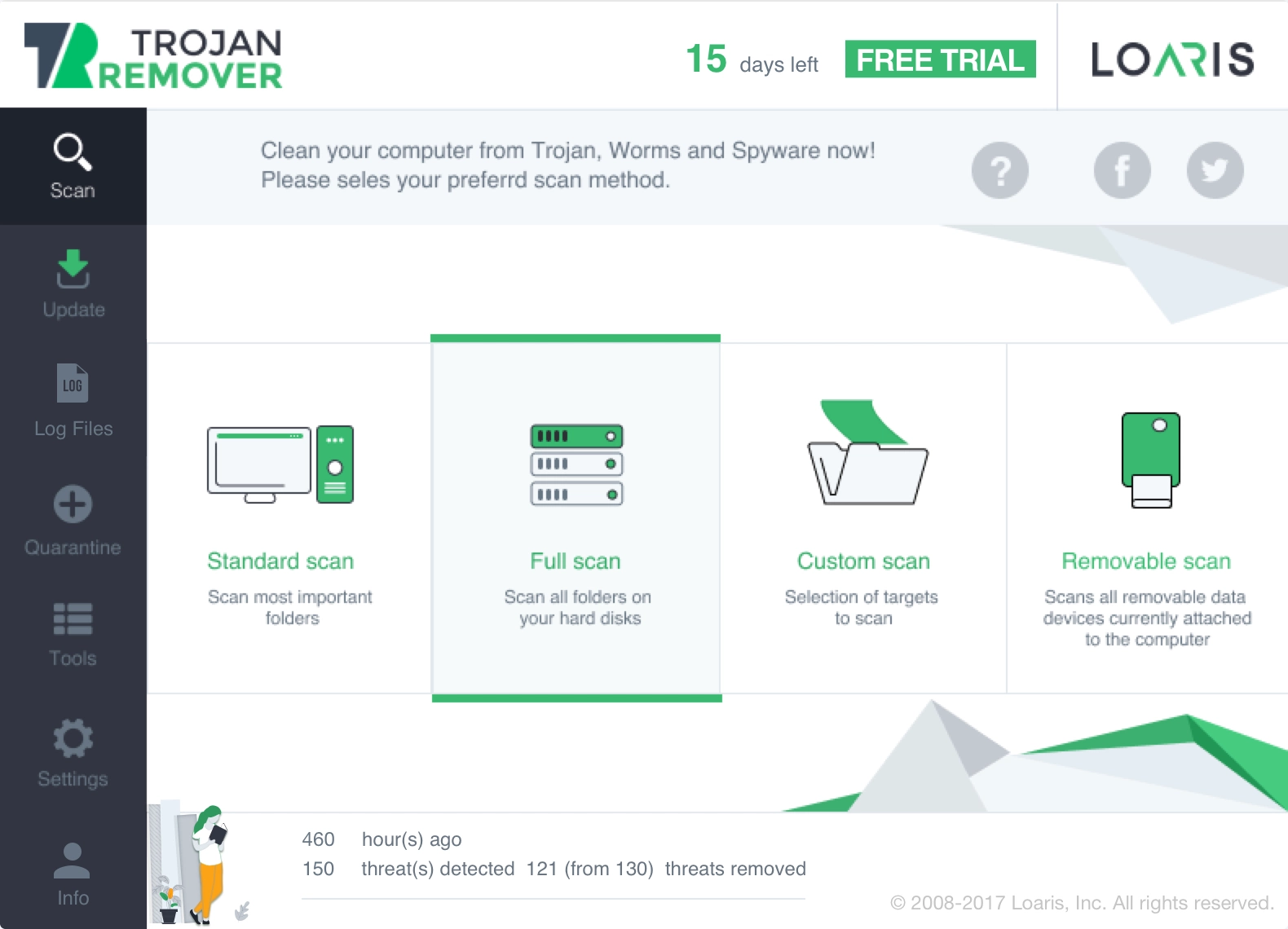
Use Loaris when you need a free virus scan for Windows that checks suspicious files, browser changes, startup traces, and malware symptoms in one on-demand workflow.
Download Virus ScannerThis page is for users who want a broad malware check on Windows before deciding what kind of infection they are dealing with.
Download Loaris and run the first scan when you see pop-ups, slowdowns, redirects, suspicious files, disabled security tools, or other signs that the PC may be infected.
Check the scan results for suspicious files, startup entries, browser abuse, spyware-style traces, and other indicators that explain why the system behaves abnormally.
After cleanup, run one more virus scan to confirm that the PC no longer shows the same malware symptoms or suspicious activity.
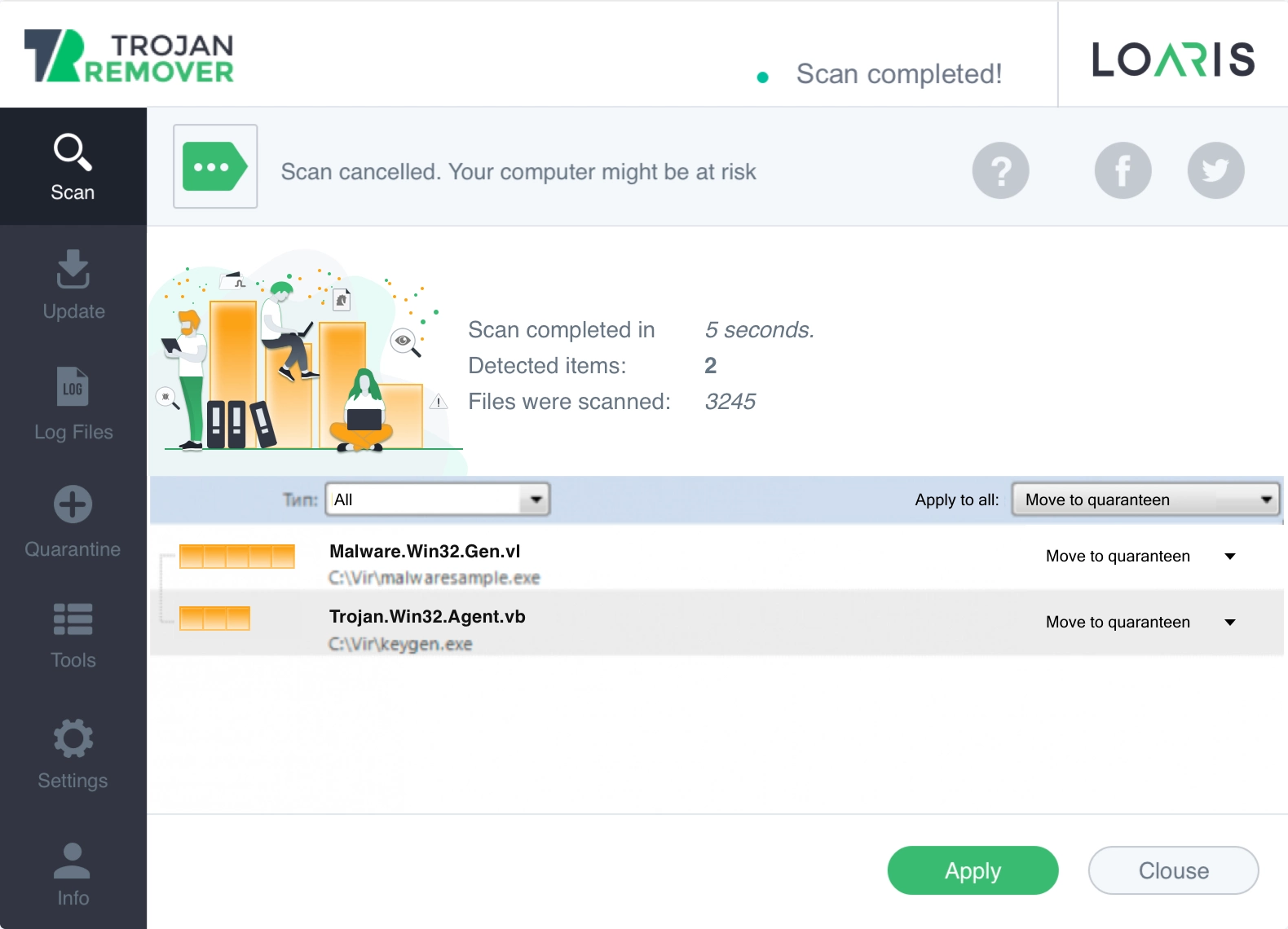
Use the broader Virus Scan when the symptoms are real but the exact threat is still unclear. Use Trojan Scanner for suspicious installers and backdoors, or Free Antivirus when you want a second-opinion scan alongside Defender or another suite.
Open Trojan Scanner for Windows when the problem looks more like a fake installer, downloader, credential stealer, or remote-access trojan.
Open Free Antivirus Check for Windows when your current antivirus says the PC is clean but suspicious symptoms still remain.
"We use Loaris on all of our company computers. Our experience is that Loaris is effective and trouble free."
"Loaris provides an extra, invaluable layer protection against malicious data, and that makes me and our systems feel safer!"
"Eliminating hundreds of potential malware and trackers every week for our entire organization."
Need help? If the issue looks more like a backdoor or suspicious installer, open Trojan Scanner for Windows. If you want a second-opinion antivirus scan, open Free Antivirus Check for Windows. You can also review the Virus Scan Guide or visit the FAQ.