Lots of Desktop Pop-ups
Frequent pop-up ads and messages advertise products or say your device is infected.
Run a free Trojan scan to detect trojans, backdoors, suspicious installers, and downloader activity on Windows 11, 10, 8, and 7.
Start a free Trojan scan and check your PC for hidden threats:
Frequent pop-up ads and messages advertise products or say your device is infected.
Trojans and the malicious software they download take a lot of computer resources, making your device run slowly.
Programs won't run from the Start menu or Desktop—or programs execute that you didn't start.
You get multiple pop-ups the moment you start browsing the Internet.
Your device turns off, launches applications you didn't start, or prints documents you never sent.
Your internet connection is slow because the Trojan is sending data back to the hacker.
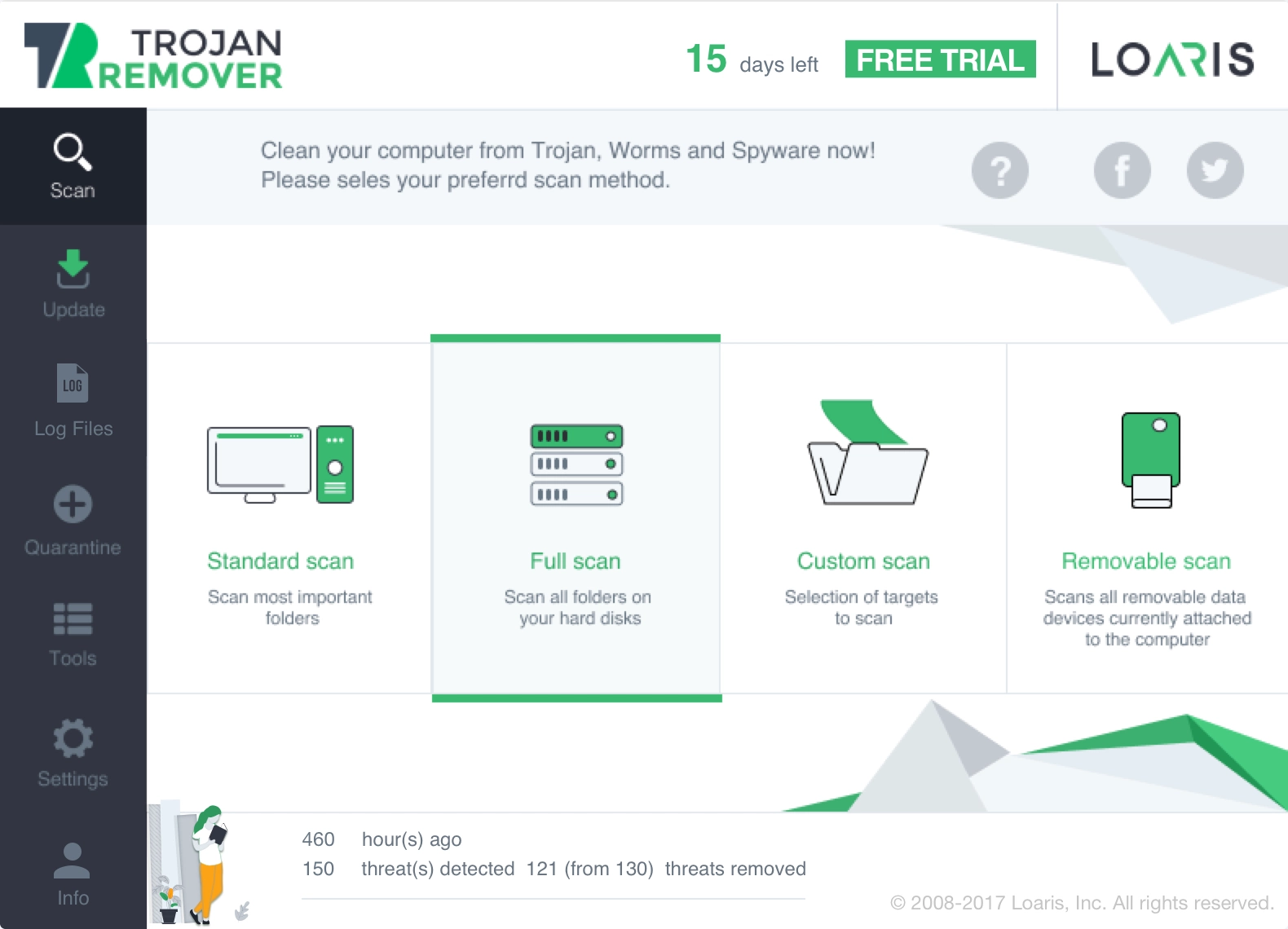
Use Loaris when you need a free Trojan Scanner for Windows that can detect suspicious files, stealthy startup entries, fake updates, and downloader-style infections before they lead to bigger cleanup problems.
Download Trojan ScannerThis page is meant for users who want a Trojan Scanner for Windows, not just a generic antivirus pitch.
Download Loaris, launch the scanner, and run the first scan when you suspect a fake installer, suspicious attachment, pop-ups, browser abuse, or unusual remote-access behavior.
Check trojan detections, startup entries, browser traces, and bundled junkware that may have arrived with the original infection.
After cleanup, run one more scan to verify that the trojan, downloader, or backdoor-style traces are no longer active on the PC.
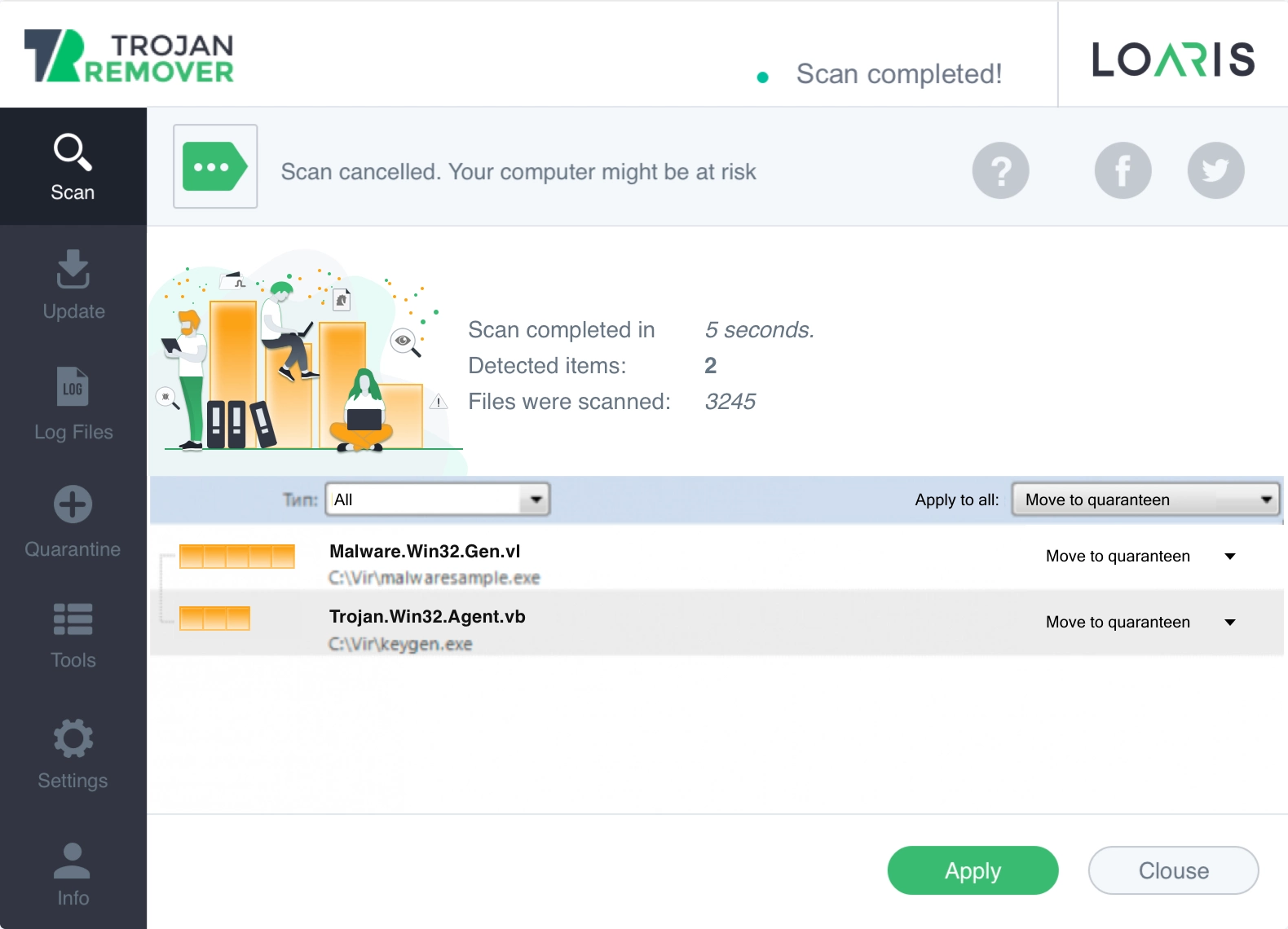
Use the focused Trojan Scanner when the problem looks like a fake installer or backdoor. Use the broader Virus Scan when the threat is still unclear, or the Free Antivirus check when you already have Defender or another suite and want a second opinion.
Use the broader Free Virus Scan for Windows page when you want a full malware check across suspicious files, browser abuse, and startup traces.
Use the Free Antivirus Check for Windows page when you already have antivirus protection and want a second-opinion malware scan.
“We use Loaris on all of our company computers. Our experience is that Loaris is effective and trouble free.”
“Loaris provides an extra, invaluable layer protection against malicious data, and that makes me and our systems feel safer!”
“Eliminating hundreds of potential malware and trackers every week for our entire organization.”
Need help? For a broader malware check, open Free Virus Scan for Windows. If you want a second-opinion antivirus scan, open Free Antivirus Check for Windows. You can also review the Virus Scan Guide or visit the FAQ.